

Your next
strong step.
Plan. Log. Pick up where you left off.

Create a free account. Keep logging free, or choose Pro.
Plan. Log. Pick up where you left off.
Existing exercises, illustrations and guidance.
Save a local backup. Keep a full file export for photos.
Start with what matters to you.
The depth is there when you need it.
Your next session, food log, routine and recent progress. The things you have set up, brought into one daily view.
Actual product preview. Example records.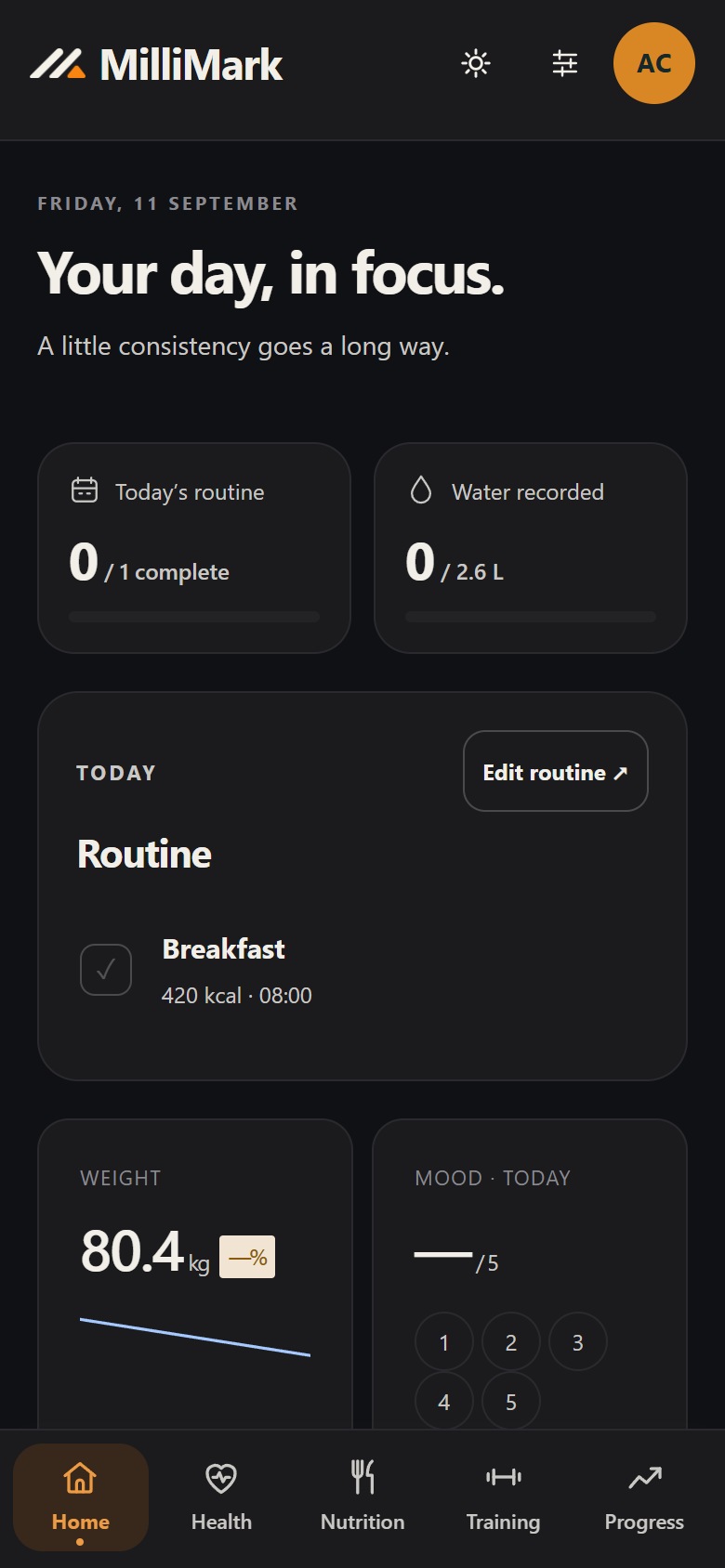
Calendar, daily routines and weekly check-ins bring the pieces of your plan together.
Exercise guidance, saved routines, meal templates and reference material sit alongside your logs.
Export your records and keep a backup outside the browser. Restricted recovery remains available if app access expires.
Workout logging, manual programs, full history, library, timer, optional cloud records sync and local export stay free. Pro adds plan generation, nutrition, body trends, calendar and training partners. Both paid plans cover one person on two devices.
Cloud records backup is included after your agreement. Keep a full file export to transfer progress photos.
Start with a Free account. Upgrade when you choose. Payment starts only when you subscribe. Paid plans renew until canceled, plus applicable tax.
Sign in with your email, then answer the setup questions. Your answers stay on this device unless you choose cloud sync.
Keep workout logging Free, or choose Pro for the wider planning and tracking tools.
Log your workouts and keep your full history. Subscribe only if you want Pro.
Records are saved in this browser. After you sign in and agree to cloud records backup, the managed service stores a separate records-only copy while the app is open, unlocked and connected. Progress photos are excluded from that service. Keep a full file export to back up records and photos together. Optional usage counts and diagnostics are separate, and off by default.
The public landing page uses Cloudflare Web Analytics for aggregate visit counts.
Keep a full file export for photos. Records recovery requires a backup that was successfully saved before browser data was cleared.
If you use the advanced log, it stays on your phone unless you choose to include it in backups.
Choose US$7.99 monthly or US$59.99 yearly, plus applicable tax. A free email account is required to start. You can keep logging workouts on Free. If a Pro trial is available, the app shows its terms before you start. If you subscribe, the chosen plan renews automatically until canceled. One membership is for one person on two devices.
No. MilliMark brings together health tracking, nutrition, training, progress, calendars and everyday routines. Use the parts that fit your goals.